Smart Alerting
Instant incident notifications across every channel your team already uses.
Never Miss a Downtime Event Again
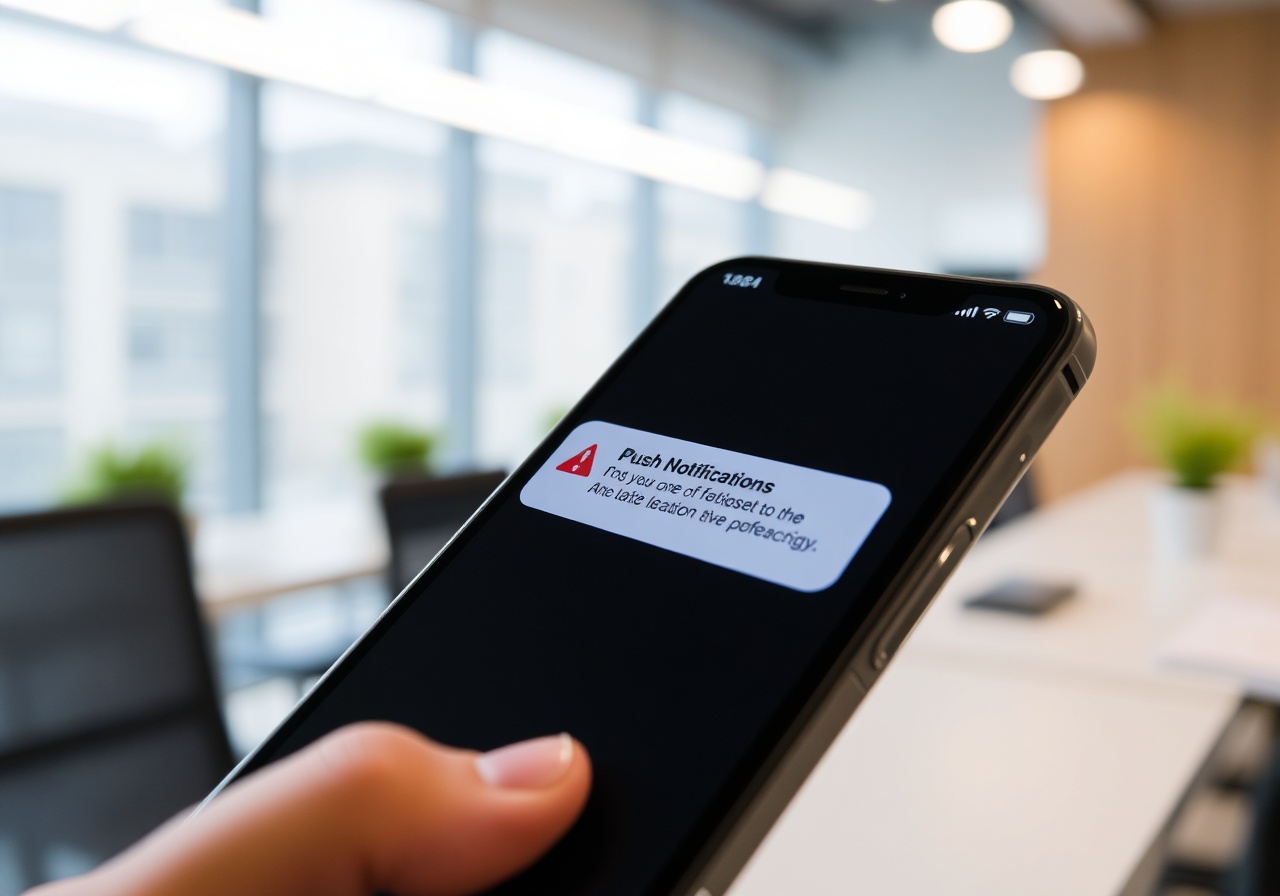
Real-time monitoring for zero-downtime guarantees. UptimePulse fires alerts in under 15 seconds across Slack, PagerDuty, Discord, SMS, and Email — so your on-call engineer knows before your users do.
Alert Channels
Five Channels. One Configuration.
Route every incident to the tool your team checks most. Set per-monitor channel preferences, define quiet hours, and fall back automatically if a primary channel goes silent.
Slack
Post rich incident cards into any channel or DM. Each message includes the monitor name, failing endpoint, last known status code, and a one-click "Acknowledge" button that integrates with your Slack workflow.
PagerDuty
Push events through the PagerDuty Events API v2 with full severity mapping. Critical monitors trigger P1 incidents automatically; warning-level monitors create low-priority alerts that merge into existing incidents.
Discord
Send embed-formatted alerts to any Discord text channel. Configure role mentions for on-call rotations — for example, tagging @On-Call-Team when api.uptimepulse.com drops below 99.9 % availability in a rolling 24-hour window.
SMS
Deliver concise text messages via Twilio to up to 10 recipients per monitor. Ideal for emergency escalations when push notifications are missed. Messages include the monitor label, current status, and a short link to the incident timeline.
Send detailed HTML incident reports to distribution lists or individual inboxes. Weekly digest emails summarize all monitors that triggered alerts, mean time to detect, and mean time to resolve for your entire organization.
Webhooks
Forward every alert as a JSON payload to any HTTPS endpoint. Common integrations include custom Slack bots, Microsoft Teams connectors, Opsgenie, and internal incident management platforms like Jira Service Management.
Escalation Policies
Automated Escalation That Follows Your Runbook
Build multi-tier escalation policies with a visual drag-and-drop builder. Define who gets paged first, how long to wait for acknowledgment, and which channels to escalate to when the primary responder doesn't answer.
Tier 1 — Immediate On-Call
When a monitor fails, UptimePulse notifies the current on-call engineer via PagerDuty and Slack within 8 seconds. The alert includes the failing endpoint, the last successful check timestamp, and a suggested runbook link.
Tier 2 — Team Lead (10 min)
If the Tier 1 responder hasn't acknowledged the alert after 10 minutes, the incident escalates to the team lead via SMS and a high-priority PagerDuty incident. The escalation log records every handoff timestamp for post-incident review.
Tier 3 — Engineering Manager (30 min)
After 30 minutes without acknowledgment, the alert reaches the engineering manager and the #incidents Slack channel. This tier also triggers an automatic bridge conference call invite via Zoom integration so the war room can convene immediately.
Custom Quiet Hours
Define maintenance windows and quiet hours per policy. During scheduled downtime — for example, every Sunday 02:00–04:00 UTC for database migrations — alerts are suppressed but logged, so your team sleeps through planned work without missing real incidents.
Alert Deduplication
One Incident. One Alert. Zero Noise.
UptimePulse's intelligent deduplication engine collapses redundant signals into a single, actionable incident. When three monitors on the same origin server fail simultaneously, you get one consolidated alert — not three separate pages at 3 a.m.
Fingerprint-Based Grouping
Each alert is assigned a fingerprint derived from the root cause pattern. If monitors for api.example.com, docs.example.com, and status.example.com all fail because the underlying AWS us-east-1 load balancer is down, they share one fingerprint and fire a single consolidated notification.
Cooldown Windows
After an alert fires, UptimePulse enforces a configurable cooldown — default 5 minutes — before re-notifying on the same fingerprint. This prevents alert storms during flaky deployments while still surfacing genuinely new failures the moment they occur.
Recovery Summaries
When a consolidated incident resolves, your team receives a single recovery summary listing every monitor that was affected, total downtime duration, and the exact timestamp of restoration. No channel gets spammed with individual "back up" messages.
Dependent Monitor Suppression
Mark monitors as dependent on a parent service. If the parent (e.g., your CDN edge) goes down, all child monitors (individual static assets, image endpoints) are automatically suppressed. You get one root-cause alert instead of forty-seven peripheral ones.